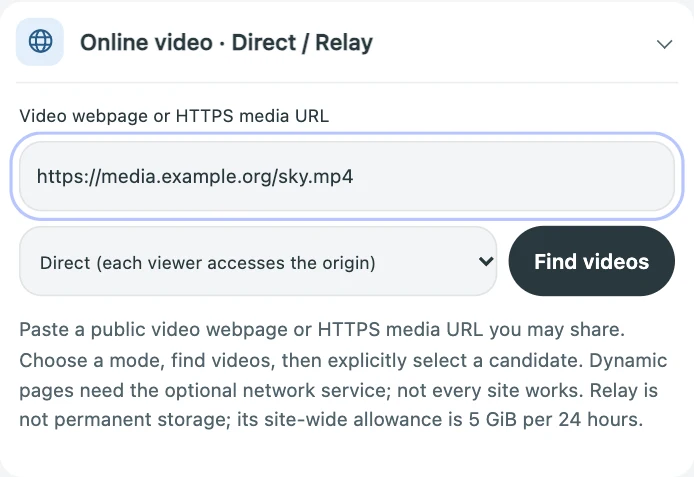
Direct
Origin → Each viewer
Everyone can reach the source. Each browser downloads the media from the origin. Start here when it works for everyone: your cinema synchronizes playback without carrying the video segments.
Together Cinema
Your own little cinema. Send a friend an invitation, pick a film, and press play together.
Getting started
01 / Room invitation
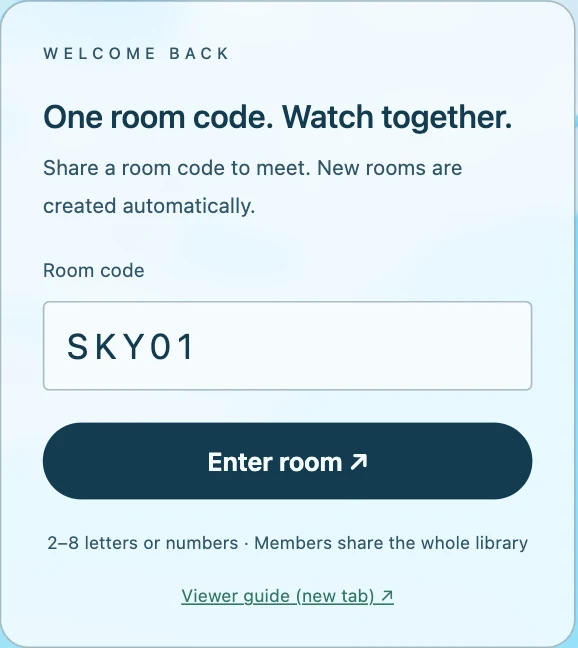
Open your friend’s invitation in a browser. If they gave you a code instead, open their cinema and enter the same 2–8 letters or numbers. Guests don’t need Docker or an extension.
Hosting tonight? Enter a new code, then use Copy invite inside the room.
02 / Shared library
Scroll to the player and open Library. The host chooses a title; it loads paused for everyone. Press play when you’re both ready.
Have a link instead? Open Online video in the same panel. Choose a playback mode before searching.
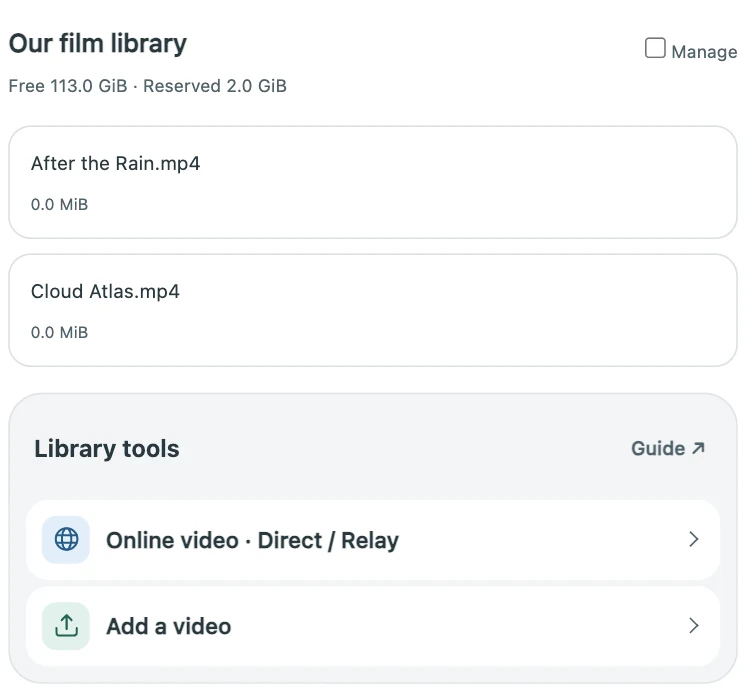
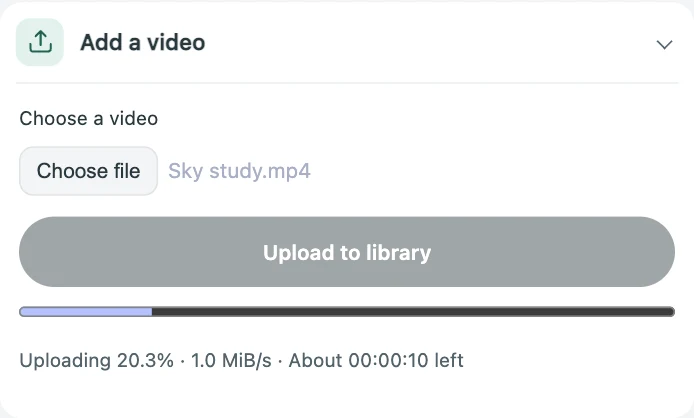
Open Add a video to choose a local file. The progress line shows transfer speed and estimated time left. When the host enables it, large files use multiple connections automatically.
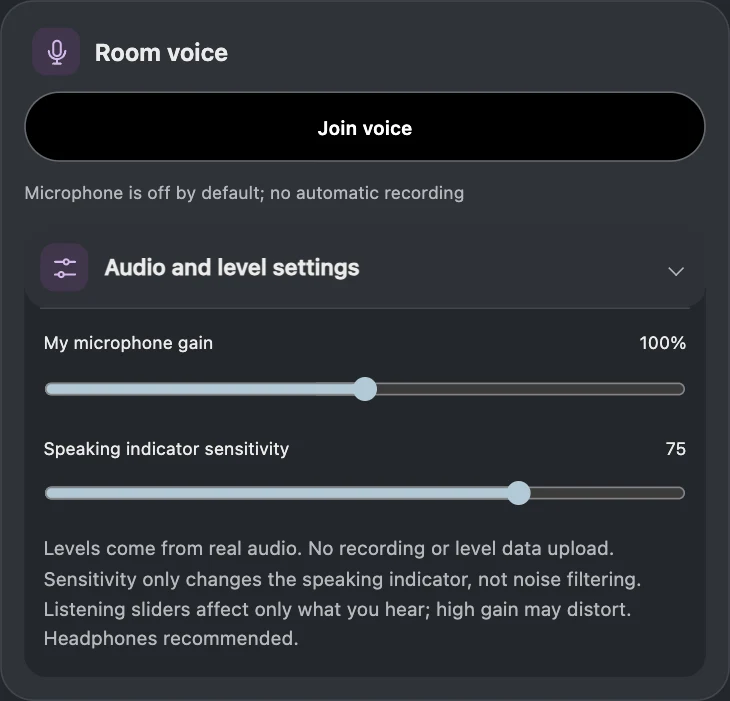
Expand Audio and level settings to adjust your microphone gain and speaking indicator. Opening settings does not turn on the microphone.
03 / Playback modes
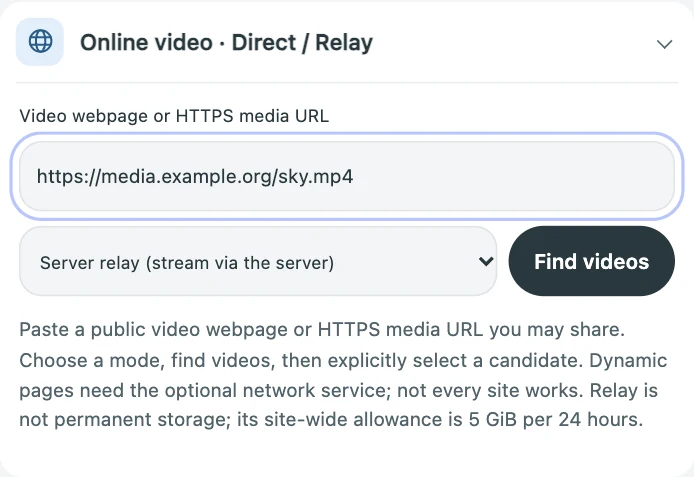
Paste a video webpage or HTTPS media link you’re allowed to share. Choose a mode, press Find videos, then select the candidate you want. Changing the dropdown alone does not switch the room’s film.
Origin → Each viewer
Everyone can reach the source. Each browser downloads the media from the origin. Start here when it works for everyone: your cinema synchronizes playback without carrying the video segments.
Origin → Your server → Each viewer
A friend can’t reach the source. If your server can access it, select Relay. The server fetches the media and sends it to each viewer, using server bandwidth. Relay isn’t a VPN and doesn’t unlock protected media.